
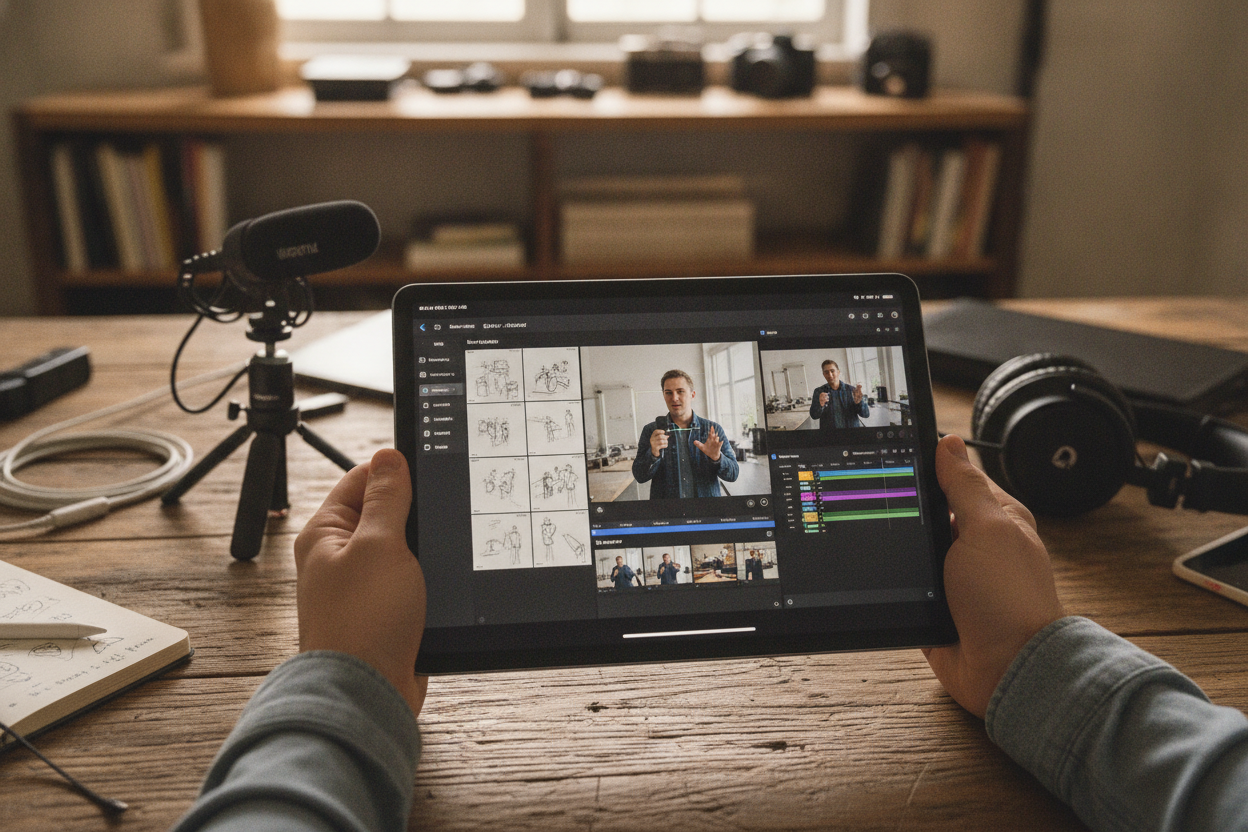
Getting started with iPad video production is easier than most creators expect. The key is to treat the iPad like a real production tool, not just a casual device. Once you build a simple workflow, you can move from idea to finished video without the friction that often slows down mobile creators.
Begin with a clear plan. Before you hit record, define your topic, audience, and final format. A short outline helps you avoid wasted footage and keeps your shoot focused. On an iPad, this matters even more because efficient planning saves storage, time, and battery life.
Next, organize your setup. Use a stable surface or tripod, clean your lens, and choose natural light when possible. Good framing and steady shots instantly improve quality, even if you are working with a modest setup. The iPad camera is capable, but consistent technique makes the biggest difference.
After filming, import your clips into an editing app that matches your skill level. Keep your project simple at first: trim the rough edges, balance audio, and add basic titles. The goal is to finish polished videos consistently, not to overload every project with effects.
As you build confidence, create repeatable habits. Save favorite settings, keep a project folder system, and review each video for one improvement you can make next time. That steady learning process is what turns beginner iPad video production into a reliable creative workflow.

Leave a Reply