
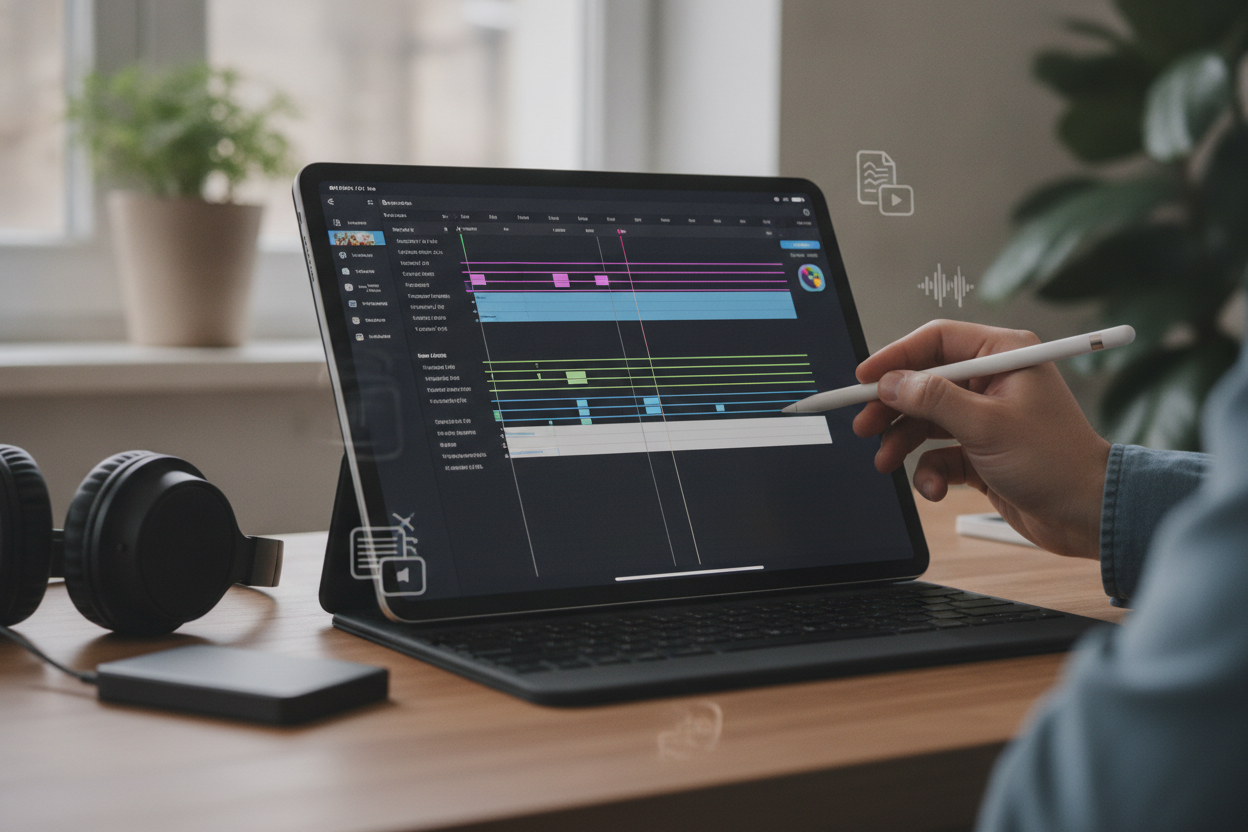
Editing videos on an iPad can be fast, flexible, and surprisingly powerful when you build the right workflow. The biggest advantage is portability: you can cut, refine, and export from almost anywhere. The challenge is keeping your process organized so editing feels efficient instead of chaotic.
Start by sorting your footage before you begin. Rename clips when needed, group related shots, and remove obvious mistakes early. A tidy timeline is much easier to manage, especially when you are working with multiple takes or longer projects.
As you assemble your edit, focus on structure first and polish later. Get the main story in place before adding transitions or effects. This helps you stay objective and prevents you from spending too much time on details too soon.
Once the rough cut is complete, review the pacing. Trim pauses, tighten reactions, and make sure each scene earns its place. On an iPad, the touch interface can actually speed up this stage if you learn the shortcuts and gestures in your editing app.
Finish by checking audio levels, adjusting color if needed, and exporting in the correct format for your platform. With a repeatable workflow, iPad editing becomes less about fighting the app and more about finishing strong, professional videos consistently.

Leave a Reply