
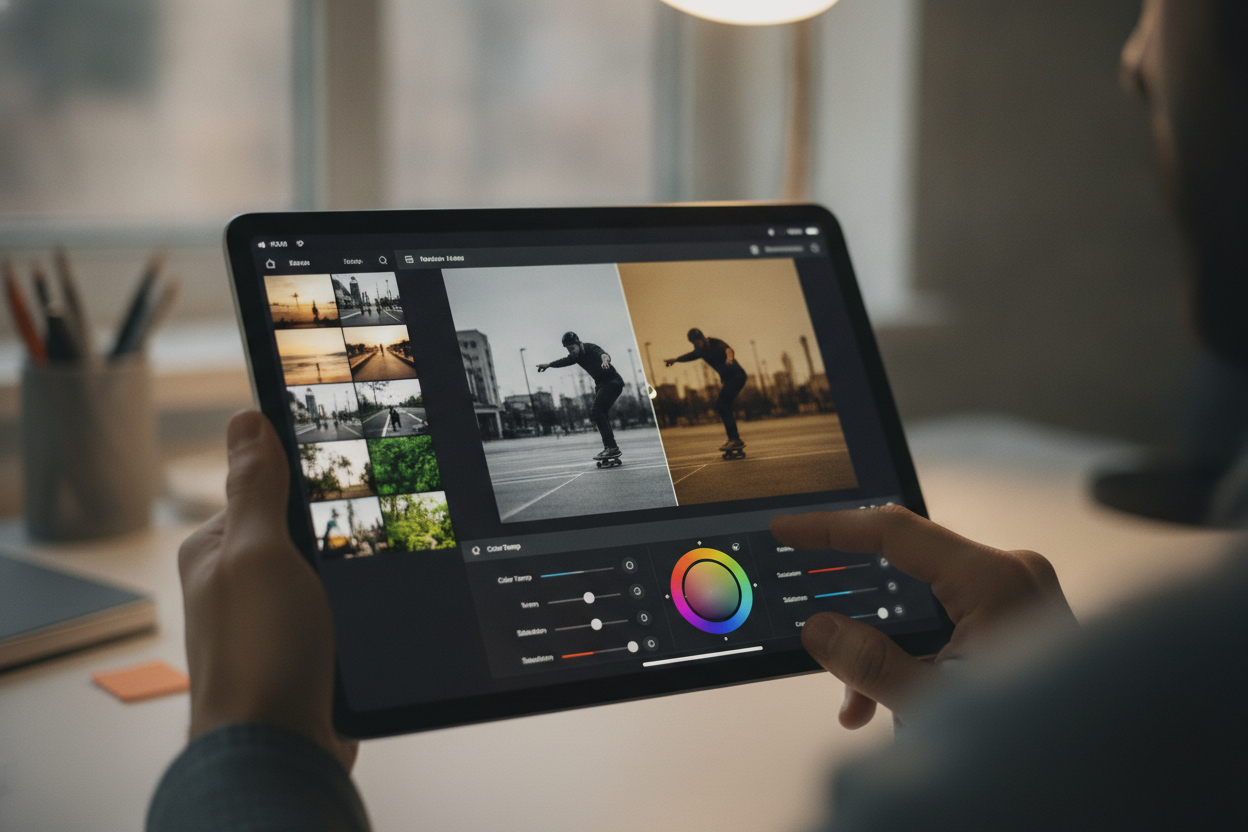
Color correction is one of the fastest ways to make iPad videos look more polished. Even basic adjustments can improve exposure, balance skin tones, and create a more consistent look from clip to clip. If your footage feels flat or uneven, color work can bring it back to life.
Begin with exposure. Make sure highlights are not clipped and shadows still contain detail. Then adjust white balance so the image feels natural rather than too warm or too blue. These two changes alone often make a dramatic difference.
Next, compare your shots side by side. If one clip looks noticeably brighter or cooler than another, match them as closely as possible before adding stylized effects. Consistency helps viewers stay focused on the content rather than noticing the edits.
When you are ready for a more creative look, make subtle changes. A gentle contrast boost, slight saturation adjustment, or soft shadow lift can enhance the mood without making the image feel artificial. On the iPad, restraint usually produces the best results.
Save presets or note your preferred settings if your app allows it. That way, you can move faster on future projects and maintain a recognizable style. Good color correction does not need to be complicated; it just needs to be intentional.

Leave a Reply