
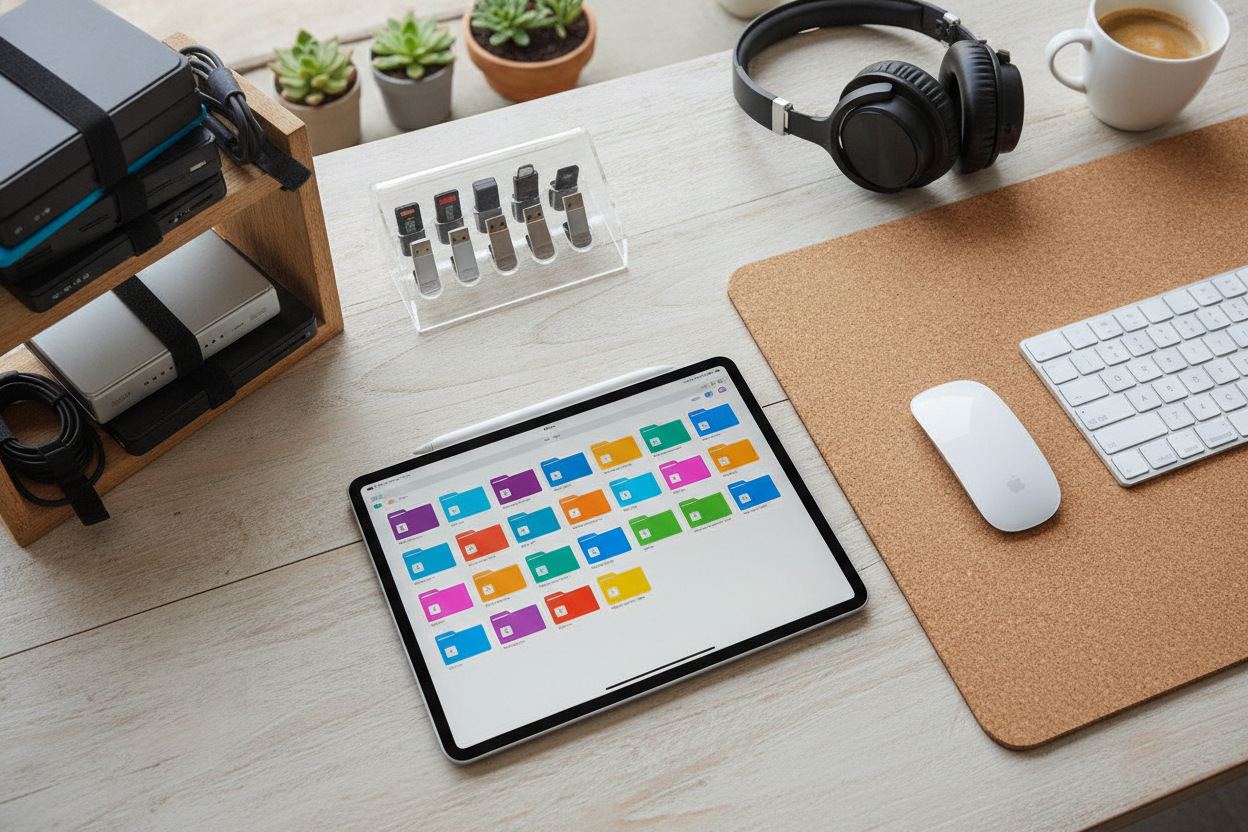
Storage is one of the most overlooked parts of iPad video production, yet it has a big impact on your workflow. When space runs low, recording becomes stressful, imports slow down, and project management gets messy. A good storage habit keeps your creative process moving smoothly.
Start by reviewing your available space before each shoot. Large video files can fill an iPad quickly, especially if you film in high resolution. Knowing what is available helps you decide whether to offload older footage, clear unused apps, or move assets to external storage.
File organization matters too. Create a simple system for raw clips, project files, exports, and thumbnails. Even a basic folder structure makes it easier to find what you need later, especially when multiple projects overlap.
External drives can be a major advantage if your workflow supports them. They let you archive footage, free up internal space, and keep your device ready for the next session. Just make sure your drive format and connection method work smoothly with your iPad.
Good storage habits reduce friction and protect your time. The less you have to think about file chaos, the more energy you can put into filming, editing, and improving your content.

Leave a Reply