
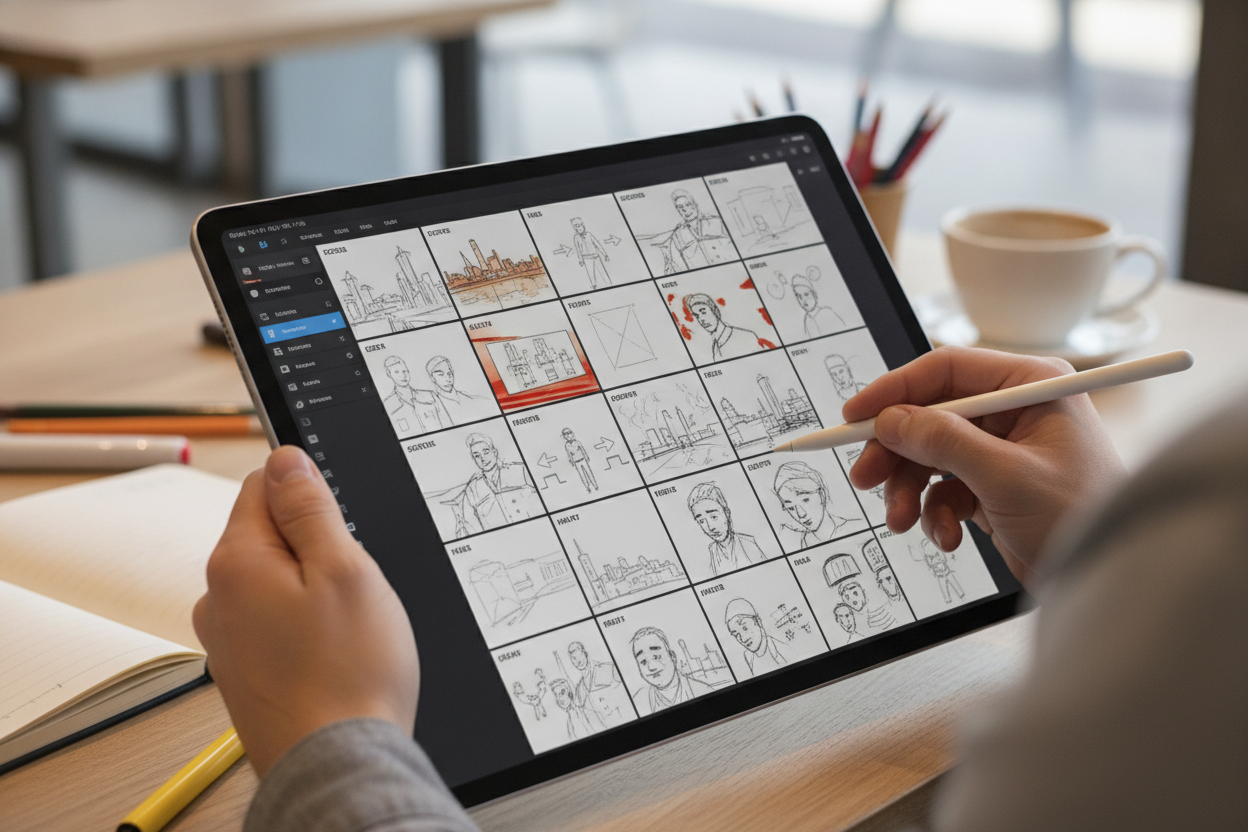
Storyboarding on an iPad is one of the easiest ways to bring structure to your video ideas before filming begins. A simple visual plan helps you think through scenes, camera angles, and transitions before you waste time on set. That makes production smoother and often improves the final result.
You do not need a complex drawing skill set to storyboard effectively. Even rough sketches, shot notes, or thumbnail frames can help you map out what each scene should accomplish. The goal is clarity, not artistic perfection.
Many creators use tablets because the process feels immediate. You can sketch, type, rearrange, and annotate all in one place. That flexibility is especially helpful for solo producers who need to manage both the creative and technical sides of a project.
A good storyboard also helps with pacing. When you visualize the sequence in advance, you can spot gaps, repetitive shots, or missing transitions before filming. That saves time and reduces the need for reshoots.
Whether you are making tutorials, short social videos, or branded content, a mobile storyboard gives you a stronger foundation. With practice, it becomes a fast pre-production habit that keeps your iPad video projects organized and intentional.

Leave a Reply