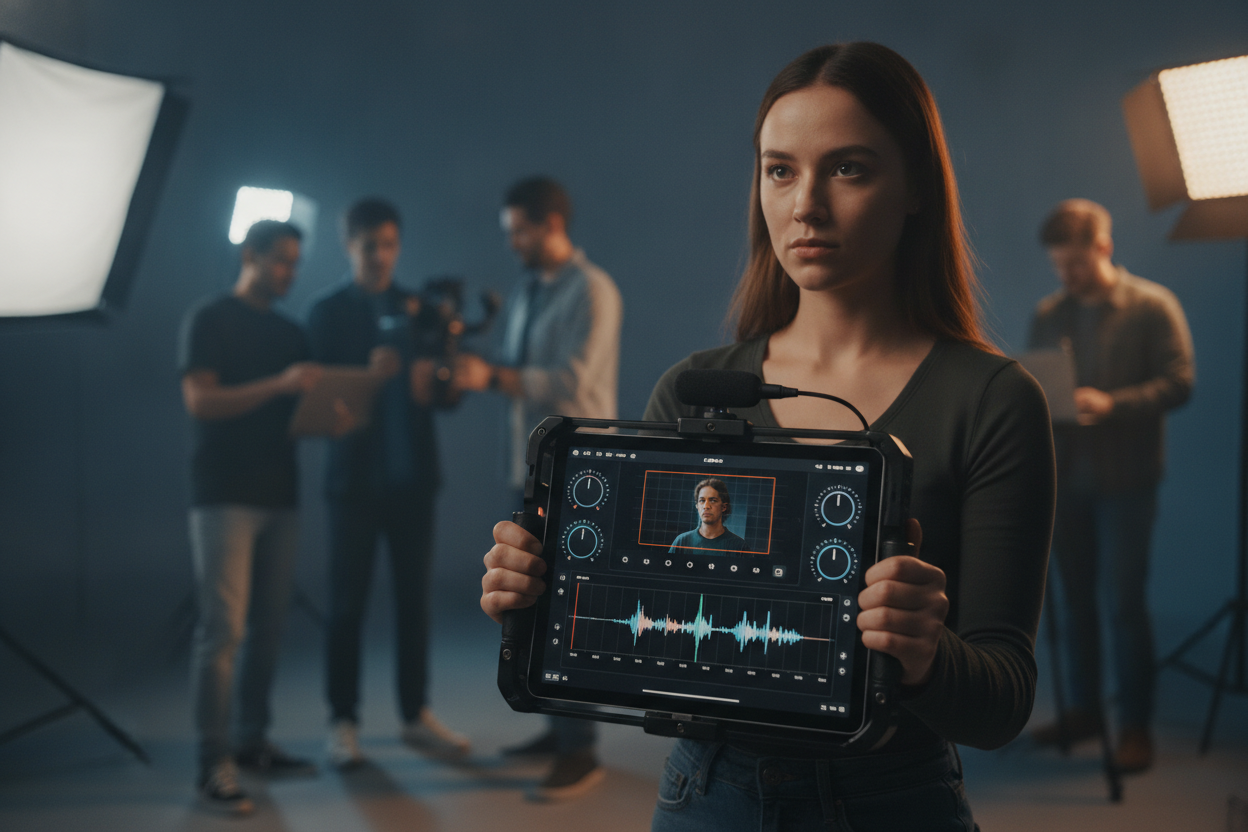
Choosing the right filming app can make your iPad production workflow feel much more professional. While the built-in camera app is fine for quick clips, dedicated apps often give creators more control over exposure, focus, frame rate, and audio monitoring. That extra control is especially useful when your videos need a consistent look.
When evaluating apps, look for manual controls that are easy to access. Exposure locking, white balance adjustment, and focus control can help you avoid distracting shifts during recording. If you shoot interviews, tutorials, or talking-head videos, these tools can improve visual consistency immediately.
Also pay attention to how the app handles recording formats. Some creators want the simplest setup possible, while others need higher-quality codecs for editing flexibility. A good filming app should match your workflow rather than complicate it.
Another important factor is stability. An app that crashes or drops frames can ruin a take, even if it has impressive features on paper. Read reviews from other iPad users and test a few apps on a short practice shoot before committing to one.
The best choice is the app that lets you record confidently and efficiently. If it helps you move faster, control your image, and reduce mistakes, it is probably a strong fit for your iPad video production process.

Leave a Reply