
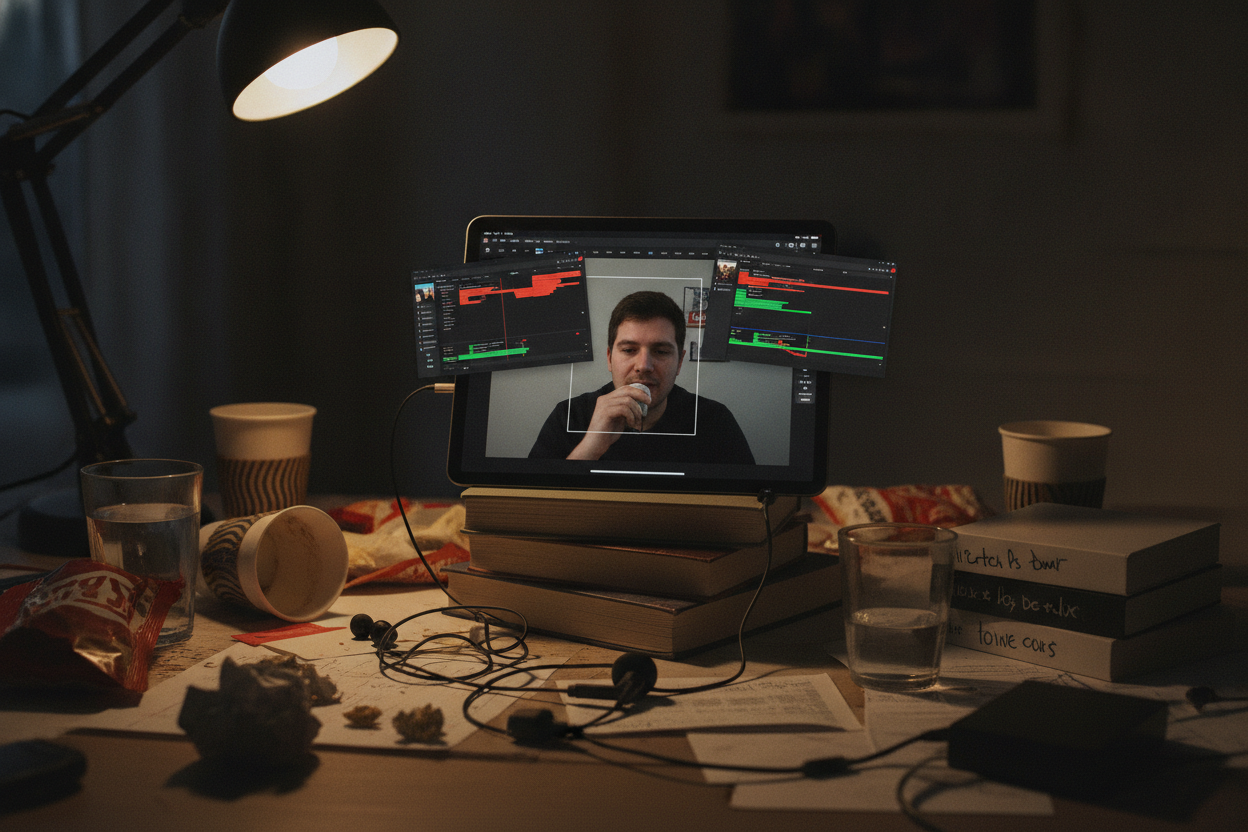
Even experienced creators can make avoidable mistakes when producing video on an iPad. The good news is that most of these problems are easy to fix once you know what to look for. By identifying them early, you can improve quality without adding much extra work.
One common mistake is relying on the default camera setup without checking light or focus. Automatic settings are convenient, but they can shift during recording and create distracting changes. A quick test clip helps you catch those issues before you commit to a full take.
Another issue is weak audio. Many creators underestimate how much sound affects viewer perception. If the voice is muddy, echoey, or too quiet, people will lose interest quickly. A better mic position and a quieter recording space can solve a lot of problems.
Editing mistakes are just as important. Overusing effects, leaving long pauses, or cutting too aggressively can make the final video feel unpolished. A clean edit usually comes from patience, not from piling on more features.
Finally, do not overlook file management. Losing footage or running out of space at the wrong moment can derail a project. A simple organization habit protects your time and keeps your creative momentum intact.

Leave a Reply