
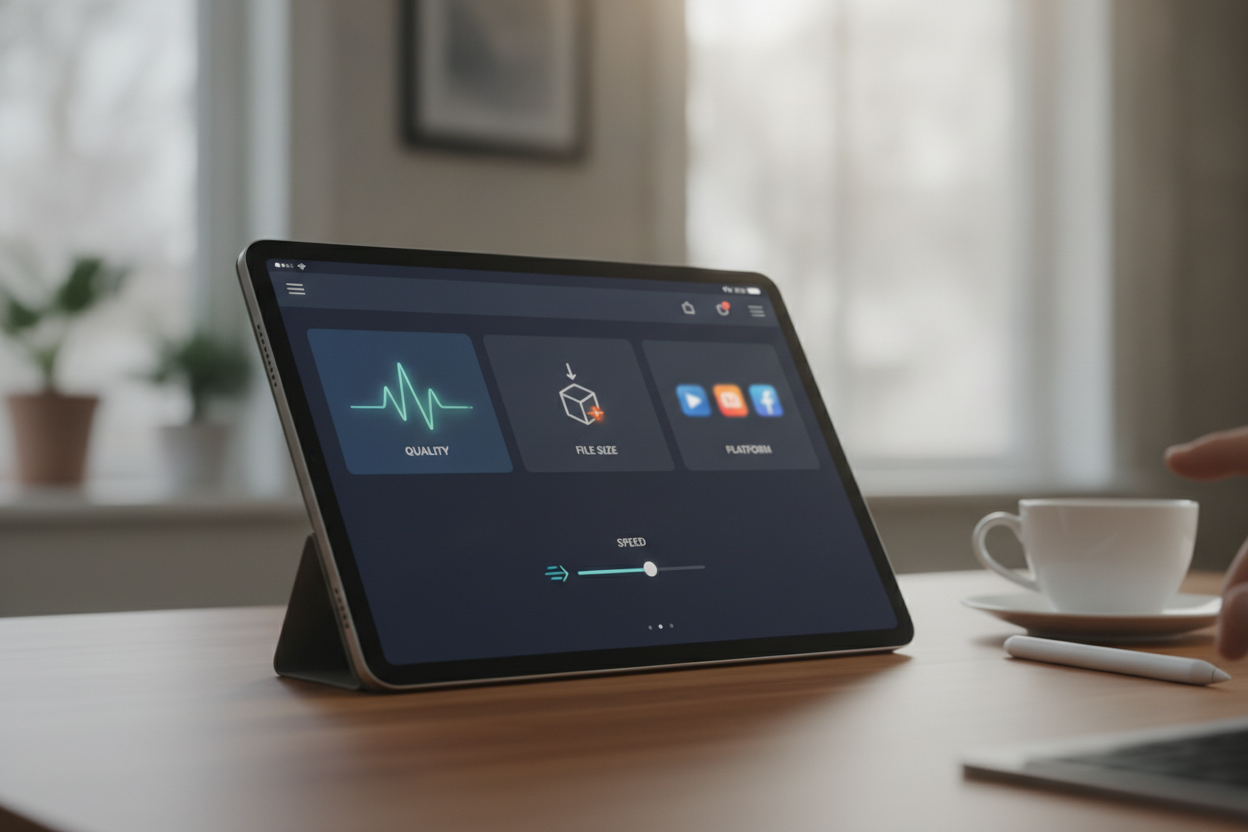
Export settings can make the difference between a smooth finish and a frustrating final step. On iPad, creators often need a balance between video quality, file size, and upload speed. The right settings depend on where your video will be published, but a few practical choices can save time every week.
Start by matching your export resolution to the platform and source footage. If your project was shot and edited in high quality, keep the final render clean enough for viewing on larger screens. At the same time, avoid creating files that are so large they become difficult to upload or archive.
Frame rate should stay consistent with your timeline unless you have a specific reason to change it. Sudden frame rate shifts can cause motion issues or unnecessary conversion delays. A steady workflow usually leads to fewer surprises.
Also consider compression. A small amount of compression can dramatically reduce file size without noticeably hurting quality, especially for social content. Test a few exports so you know which settings work best for your preferred platform and audience.
Once you find a reliable export preset, keep it documented. Reusing the same settings can save time and help you deliver videos faster. For busy creators, that consistency is just as valuable as image quality.

Leave a Reply