
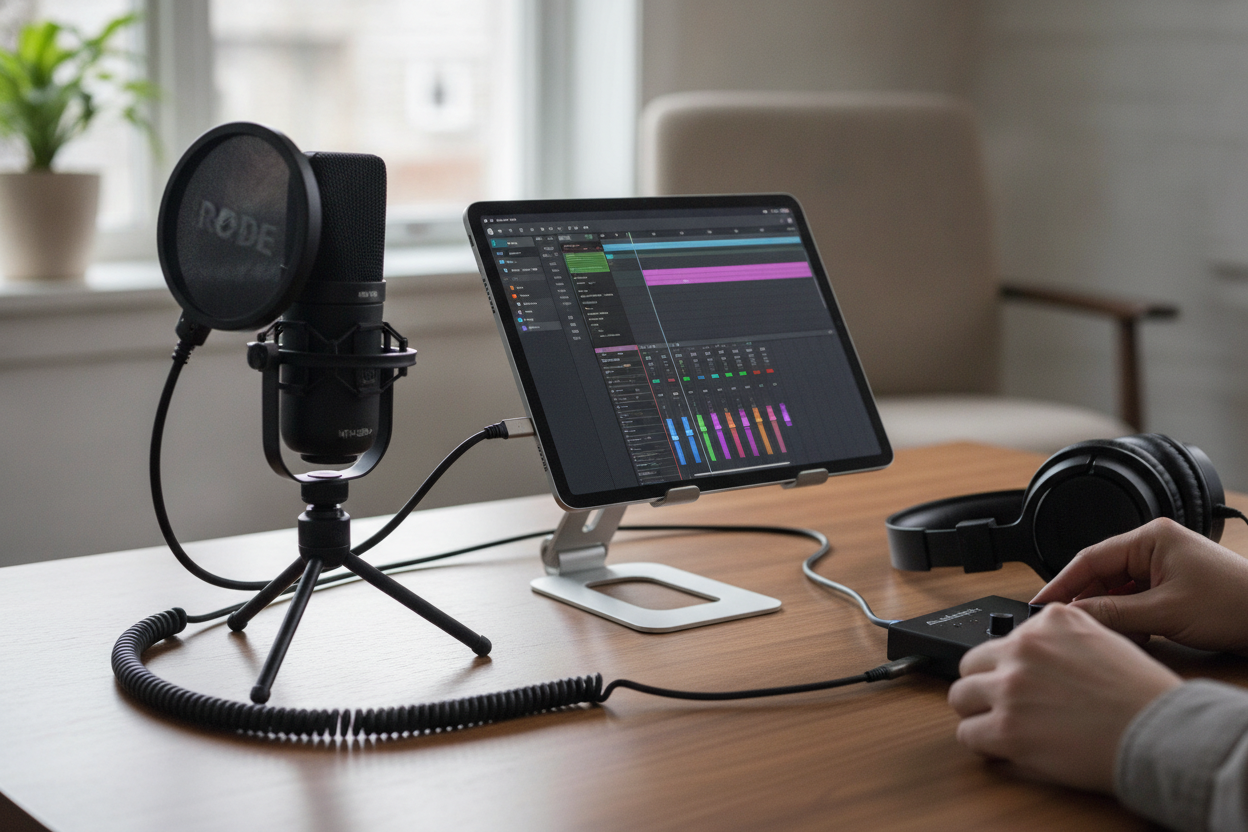
External microphones are one of the smartest upgrades for anyone serious about iPad video production. Built-in microphones are convenient, but they rarely deliver the clarity or consistency needed for polished content. A good external mic can instantly improve your voice recording and reduce the distractions that hurt viewer engagement.
Before buying, think about how you film. If you create tutorials or talking-head videos, a lavalier mic may be the most practical option because it keeps your voice consistent while you move. If you record at a desk, a compact USB or shotgun-style mic can be a strong fit.
Compatibility is important. Check whether the microphone connects through USB-C, Lightning, or a dedicated adapter. The more straightforward the connection, the easier your setup will be during actual shoots. You want less setup time and fewer points of failure.
Testing also matters. Record a few sample clips in the environments where you actually work. Listen for hiss, room tone, and any interference from cables or nearby electronics. A mic that sounds great in theory may not suit your real workflow.
Once you find the right microphone, create a repeatable routine. Charge it, test it, and keep the settings consistent. That small habit can save a lot of frustration and give your iPad videos a much more professional sound.

Leave a Reply